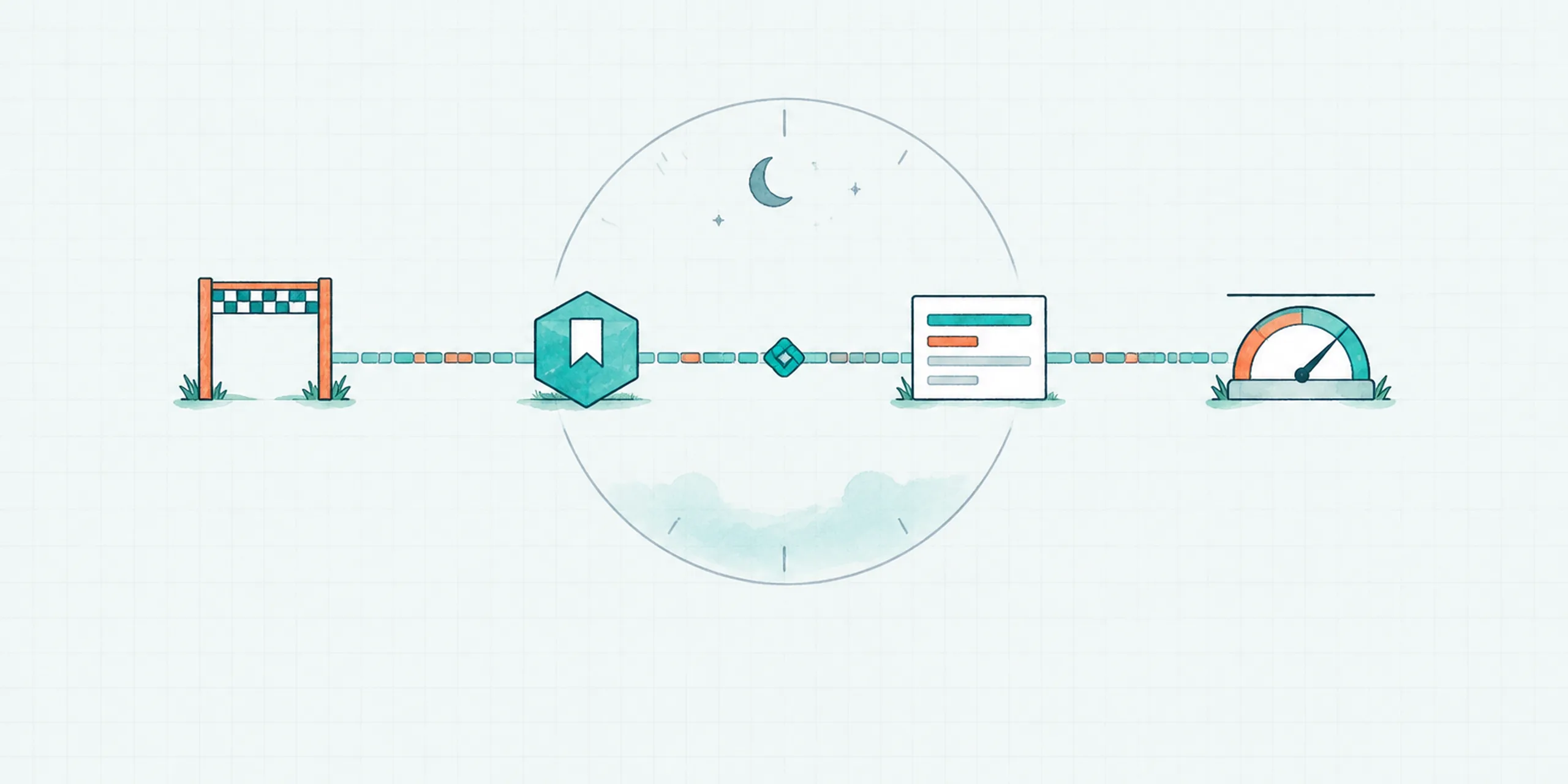
In the past four weeks, three of the largest software companies told buyers their agents can now work for a very long time. Notion says a single agent task can run for more than 24 hours, up from five minutes. OpenAI says its dots can work toward your goals 24/7. Google says its new Gemini agent can take on work that lasts hours or days.
Those numbers say how long an agent can run. They say very little about whether the work is worth having at hour 20, and that is the question an executive is paying to answer. Four conditions decide it.
What the vendors announced
| Announced | What they say about long work | What they say about state and identity | |
|---|---|---|---|
| Notion | Oct 19 | Tasks can run 24+ hours, up from five minutes | Each session runs on a dedicated service with a queue-backed worker loop, so work continues through restarts |
| OpenAI dots | Sept 29 | Always-on, working toward goals 24/7 | Own cloud computer and browser; you can open it at any time to inspect the work |
| Google Gemini agent | Oct 8 | Work that takes hours or days keeps running after you close your laptop | One set of memories and context across devices; coworker agents get their own identity |
All of this is vendor description of launches that are days or weeks old. Notion also says its infrastructure uptime is now above 99.9%, a figure it reports about its own system. Read them as vendor claims, and keep the buying questions below in hand.
A longer clock changes the buying question
A wrong turn at minute five costs five minutes. At hour 20 it costs a day, plus whatever the agent did with that day: messages sent, records changed, money spent. Addy Osmani, writing on long-running agents, puts the cost side plainly: without budgets, circuit breakers, and a hard cap on tool spend, an agent can quietly burn through a week's API budget in an afternoon.
There is a second cost, and it is the one executives tend to miss. If a person has to sit with the agent for those 24 hours, the company has bought a slow assistant with a very attentive supervisor. A long run only pays off when nobody is watching it. That takes four conditions, and you already know them from sending a contractor off on a week-long project: you say what done looks like, you expect notes that survive a bad night, you ask for updates that arrive on their own, and you agree a budget.
1. A finish line written before the task starts
Most long tasks go wrong at the start. "Handle the announcement" can mean draft it or publish it, and an agent without an answer will either stop to ask or keep going. Octavus's own guidance on this is to define authority around concrete actions: allowed, draft first, approval required, prohibited. Write the deliverable, the destination, and the stopping point before the clock starts. Our guardrails post covers how those stopping points work.
2. State that survives a restart
Machines restart, sessions expire, and a network drops at 3 a.m. Notion built a queue-backed loop for exactly this. Osmani describes the failure it prevents: an agent processes 200 documents over four hours, hits an error on document 201, and without a checkpoint starts from scratch.
The human parallel is the night-shift handoff note. The question for any vendor is where the work lives when the session dies: files, logins, and what the agent has learned so far. AI agent memory explains how an agent keeps that continuity.
3. Progress that reports itself into the record
OpenAI lets you open a dot's computer to inspect its work, and that is a useful feature. A long task still should not depend on someone opening it. Interim reports belong in the same record as the final result, at points you chose, so you read what happened instead of watching it happen. Routine calls proceed, hard ones stop and ask; the System 1 vs System 2 post covers where that line goes. The always-on agents post covers reviewing the work asynchronously.
4. A cost ceiling per task
Notion reports that its Auto model router delivered similar results to frontier models at about 90% lower average cost across 20+ use cases, measured on its own tests. That is a cheaper step. A ceiling is a different thing: a number per task, and a defined behavior when the agent reaches it. Notion also describes an AI Command Center, coming soon, where admins can set spending limits for members and agents. Ask every vendor for the equivalent, and ask what happens at the limit. The right answer is that the agent stops and reports. The wrong one is that it keeps going and bills you.
What this looks like on Octavus
This is not a claim about how long any Octavus task can run. Here is what the support docs describe for the four conditions:
- Finish line - Rules in the Handbook define what an agent may do, must draft, or must get approved before it acts.
- State - A dedicated computer keeps files, logins, and installed software across sessions. A built-in Sleep task consolidates memory.
- The record - Threads show the request, the work performed, and the to-do lists the agent used, so you can review how an outcome was reached.
- Cost - Agents are billed per second while they work, so a long task is a metered task. Agree the ceiling before it starts.
Five questions to ask any vendor
- What does the agent hand back when the task ends, and who wrote that definition?
- If the session restarts at hour 12, where does the work live? Can you show me?
- Where do interim reports go, and can I read them without opening the agent's screen?
- What is the per-task spending ceiling, and what happens when it is hit?
- Which actions need a person's approval, however long the agent has been running?
A vendor that can answer all five will usually also tell you how long its agents can run. The reverse is less common.
See what an Octavus Agent does on its own computer, and how the Handbook sets its limits.