Most AI agents still wait for a prompt. A teammate who only works when you tap them on the shoulder cannot own a recurring job.
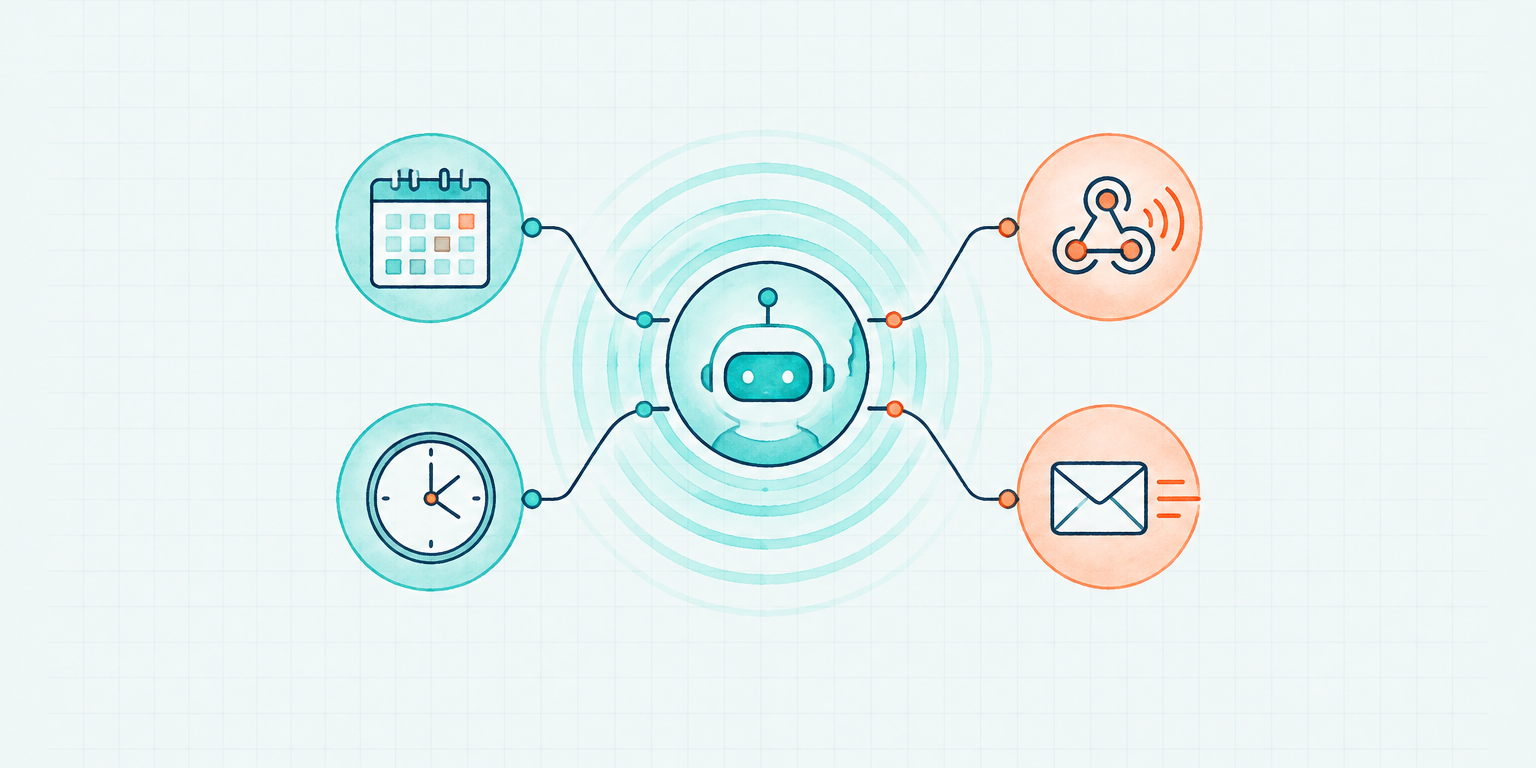
Event-driven AI agents change the activation path. A schedule, an inbox, a Slack message, or an API call starts the work. You review the result when you need it.
The prompt bottleneck
A prompt is a request. It is a good way to start a one-off task. It is a poor way to run a role.
If the agent only moves when someone types, every Monday report, every inbound email, and every overnight check becomes a management task. The human becomes the scheduler.
That is the prompt bottleneck. The model can be capable. The tools can be connected. The work still queues behind a person who has to remember to ask.
Always-on AI agents remove that queue. They do not need a chat window left open. They need a reason to start: a time on the calendar, or an event in a system the team already uses.
Two ways work should start
Proactive AI agents have two honest activation paths.
Scheduled work
Put recurring responsibility on a calendar. A Monday research brief. A daily inbox triage. A Friday pipeline check.
In Octavus, you ask the Agent to add the work to its own calendar. You can review, adjust, pause, or resume the task. When the time arrives, the event wakes the Agent and starts a new thread.
Write the scheduled prompt as an operating brief, not a reminder. Include the trigger, the inputs, what done looks like, and when to stop. A vague calendar item just creates a follow-up question at 7am.
The Agent can also use the Google Calendar or Outlook calendar the company already runs. Its own calendar is for agent-specific work: the jobs only it should wake up to do.
Event-driven work
Some work has no honest weekly slot. A customer replies. A Slack request lands. A form is submitted. A threshold is crossed.
Event-driven AI agents wait for those signals instead of polling for them. They stay idle, then start a thread when the event arrives.
This is the same pattern Anthropic showed in 2026 for Claude Code routines: prompts that run on cron schedules, GitHub webhooks, or API endpoints. The product names vary. The operating idea does not. The system starts the agent. The person does not.
Octavus Agents can be woken from chat, a schedule, inbox notifications, Slack, or an API dispatch. Each path produces the same kind of work session. The difference is who pressed go.
Always on does not mean always running
A 24/7 autonomous AI agent should be available around the clock. It should not burn compute while nothing is happening.
Octavus bills per second while an Agent is actively working. Idle time costs nothing. The Agent's computer sleeps when it is unused, then wakes when a task needs the desktop. A Linux computer typically comes online in about 10 seconds; Windows takes about 40. Work that can finish with tools can complete while the computer stays asleep.
That is the right economic shape for proactive AI agents. Availability is continuous. Execution is eventful.
LangChain's 2026 State of Agent Engineering survey found that 57.3% of respondents already have agents in production, with another 30.4% actively developing toward deployment. The next constraint is not whether the agent can answer a prompt. It is whether the work can start without one.
Review asynchronously
Delegation fails if every run requires a live audience.
Most of the work should happen in the background. A Thread is the record you open when you need the outcome, the reasoning, or a correction. In Octavus, a Thread can start from a conversation, from Slack or email, or from a scheduled event. It shows the request, progress, tools, and result.
This is how managers already work with people. You do not sit on every call. You read the update, ask one question if needed, and move on.
Use the live view when a run is unusual or high-risk. Use the thread for everything else. If you have to watch every scheduled job, the job is not ready for a calendar.
What to put on the calendar first
Start with work that already has a cadence and a visible finish line.
Good first scheduled jobs:
- A weekly research brief on an approved topic
- Daily triage of an inbox the agent owns
- A morning check of a pipeline, queue, or support backlog
- A recurring cleanup of the agent's own memory and notes
Good first event-driven jobs:
- A reply that lands in the agent's mailbox
- A Slack request in a channel the agent is expected to handle
- An API or webhook from a system of record
Keep high-consequence actions behind a policy or approval. Scheduling does not make a purchase, a public post, or an access change safer. It only removes the need to remember to start the safe work.
The same test applies to context. An agent that wakes on its own still needs a searchable operating handbook. A calendar starts the job. It does not replace the rules for how the job is done.
An executive checklist for event-driven AI agents
Before you call an agent always-on, confirm:
- Trigger - Does work start from a schedule or an event, not only from a person typing?
- Brief - Is the scheduled prompt specific enough that the agent can finish without a clarifying question?
- Idle cost - Does the agent cost nothing while it waits?
- Record - Can you open the run later and see what happened?
- Escalation - Does the agent know when to stop and who to ask?
- Ownership - Does one person own the calendar, the events, and the quality bar?
- Scope - Are high-risk actions still gated?
If the first item fails, you have a capable assistant. You do not yet have a delegated role.
Getting Started
Pick one recurring job and one event. Put the recurring job on the agent's calendar with a detailed prompt. Connect the inbox or Slack channel that should wake it. Then leave the chat.
Browse pre-built Octavus Agents if you want a teammate that already has a computer, memory, tools, and schedule. Read the schedule guide and the Threads guide before the first overnight run.
Give an autonomous teammate a calendar, an event to wake on, and a job it can finish without waiting for a prompt.