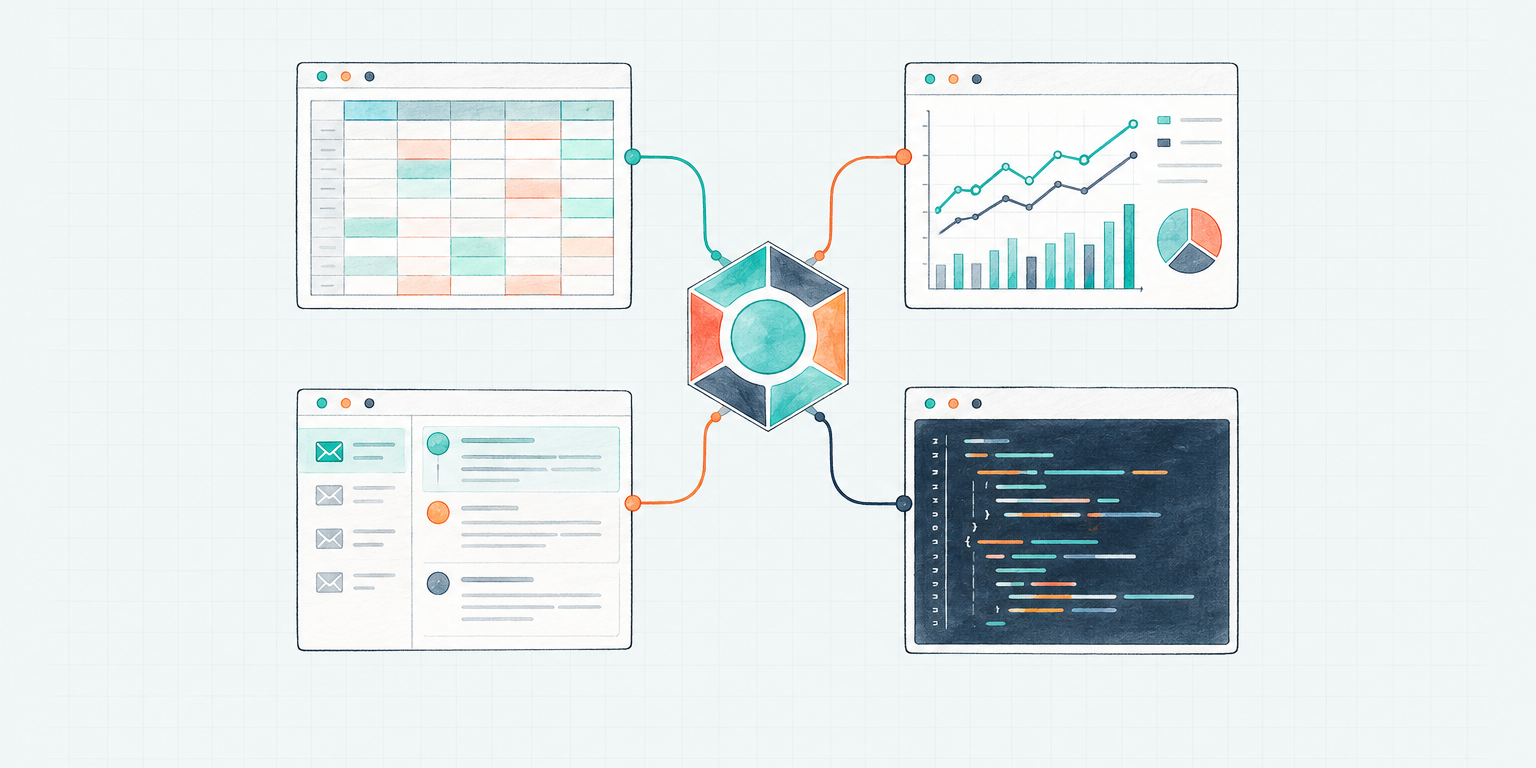
A new RevOps hire without Salesforce is not onboarded. A recruiter without the ATS is not in the seat. The job includes the software.
Teams still skip that step with autonomous agents. They give the agent a title, a login, and a prompt. The CRM, the mailbox, Slack, and the reporting warehouse stay on someone else's account. Then the agent spends the day asking for screenshots.
AI agent tools are the operating grant: the apps of the role, on the agent's own work identity, scoped to what you are willing to let that seat do.
The seat includes the stack
Gartner forecast that 40% of enterprise applications would include task-specific AI agents by the end of 2026, up from less than 5% a year earlier. The apps are already the workplace. An agent that cannot reach them is a commentator.
Octavus's value framework is blunt about the mechanism: the agent works on its own computer, with its own credentials, in the same tools as the role. As soon as the context is there, it can do the job. Borrowed access delays that moment and contaminates it.
AI agent identity answered who logs in. This is the next grant: what that login can actually reach. A company email with no CRM is still a locked door.
You already know the analogy. You would not hire a marketing-ops person and leave them without Salesforce and Marketo. CodeSignal put an Octavus agent in that seat after the head of marketing ops left. The agent went into Salesforce and Marketo, mapped the systems in a day, and had process fixes and campaigns moving by day two. That only happens if the agent can open the same apps the role uses.
A connector is not a permission
The onboarding guide treats the agent like a human teammate:
- Choose the specific agent that needs the service.
- Grant that agent's own work identity access, scoped to the permissions you are comfortable granting.
- Ask the agent to connect. It authenticates as itself.
Do not paste a password into a thread. Do not wire the agent through an operator's personal account when the agent should have its own, narrower access. Grant the agent the right slice of a BigQuery project, then ask it to configure the connector.
The external service still enforces its own permissions. A connector does not shrink an account to match your policy. If you connect the agent as you, the agent can do what you can do.
Octavus's tool and destination policy makes the same point in operating language. For each job, name the account, the data, the actions, and the destination. "Use our document tool" leaves those four questions open. Specify them, or the agent will guess.
Cover every route the agent can use: connectors, skills, and its computer. If a connector fails, switching to the browser should keep the same account, data, and action limits. A new route must not become a workaround for a denied permission. Settings that disable a built-in capability do not block the equivalent action through another path. Service permissions do.
Tool access is a job description
Microsoft's July 2026 guidance on least privilege for AI agents treats tool binding as a first-class control, not a prompt. The model's instructions are not a security boundary. An agent that can invoke any available tool can turn a prompt injection or a workflow bug into an export, a delete, or a privilege change.
The other failure is combination. An agent with email, files, a ticketing system, and a code repository may look low-risk at each integration. Together, those grants let it correlate data and take actions nobody authorized as a whole.
Write the job as access.
Grant read where the agent needs to inspect. Grant write where it needs to change a record. Keep export, delete, billing, and admin off the identity until the work requires them and a named owner has approved the expansion. Keep the identity stable. Make extra privilege temporary.
If the role later needs more software, change that identity's grants. Do not widen the operator's account and hope the agent stays inside an informal boundary.
Give the role its apps, not the whole catalog
The homepage story is the catalog: every Octavus agent can work in 180+ apps the team already uses, from Slack to Salesforce, on one shared set of connectors. Availability is the menu. The grant is the seat.
A marketing-ops agent needs Salesforce and Marketo, plus email and Slack. It does not need payroll, production deploy keys, or the board deck folder. A recruiter agent needs the ATS, calendar, and LinkedIn. It does not need billing admin.
Some of that work has an API. Some of it does not. Computer-use agents cover the apps that only exist as a screen. The grant is the same either way: the agent's identity in the role's software, not a borrowed session on yours.
Match the stack to the seat:
| Role | Apps of the job | Usually not |
|---|---|---|
| Marketing ops | CRM, MAP, email, Slack | Payroll, production admin |
| Recruiter | ATS, calendar, LinkedIn, email | Billing, customer data warehouse |
| Support | Helpdesk, knowledge base, Slack | Source control, finance |
| BizOps | Spreadsheets, warehouse (scoped), docs | HRIS admin, production deploy |
A public-research agent can browse unfamiliar sites without asking about every source. An agent preparing compensation reports should be limited to named internal sources and an approved reporting tool, with no uploads to new services. The difference is the data, not the model's confidence.
Choose the destination before the output exists. Approval to write a report is not approval to host it on a public URL. Internal work belongs in an access-controlled workspace. Built-in asset links are public to anyone with the URL.
A working tools checklist
Before the agent runs unattended, confirm:
- Apps of the role - The same systems a human in that seat would open on day one
- Own identity - The agent's work login, not the operator's personal account
- Scoped grants - Read, write, and send matched to the job, not to the catalog
- Named destinations - Where results live, and who may see them
- Every route - Connectors, skills, and the computer obey the same limits
- External enforcement - The service, not the prompt, limits what the agent can do
If any item is missing, the agent can still talk about the work. It cannot occupy the seat.
Getting Started
Identity covers who logs in. Onboarding covers the rest of day one. Computer use covers what happens when the work lives behind a login with no API. Tools are the business-systems grant that makes those three hold.
Hire a pre-built Octavus Agent. Follow the onboard guide. Grant the agent's own identity the apps of the role, then let it authenticate as itself.
Hire an autonomous teammate, give it the same apps as the role, and let it work in the stack you already run.