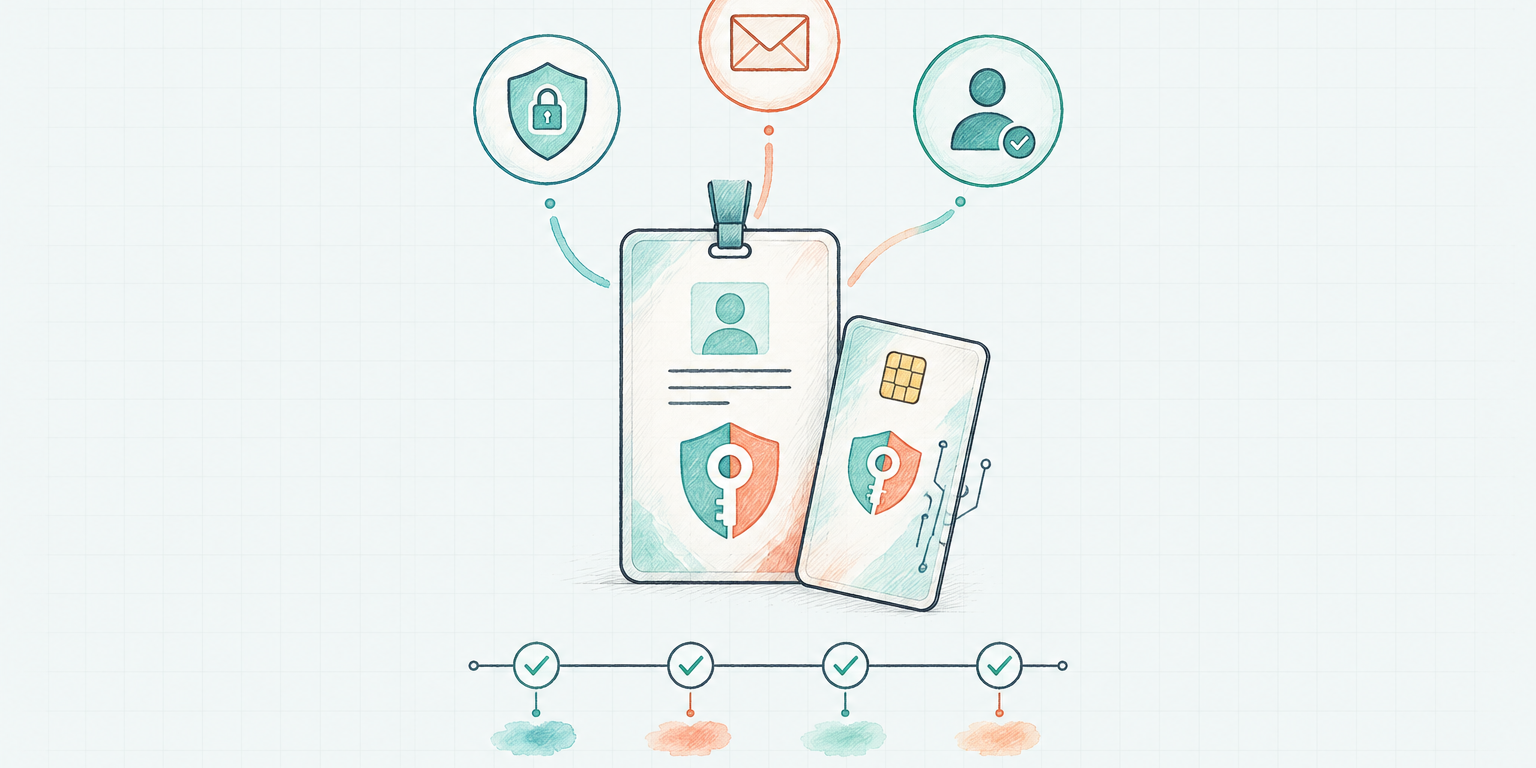
A new hire gets a company email, an SSO account, and access to the tools of the job. You would not onboard them onto your personal logins. You would not paste a password into a chat so they can start faster.
Most teams still do both of those things with autonomous agents. The agent drafts in a shared inbox, updates CRM as the operator, and authenticates with a personal token sitting in a thread. Work happens. Attribution does not. When something goes wrong, the log shows a person who was not at the keyboard.
AI agent identity is the operating fix: give the agent a work identity, grant that identity the access the role needs, and let the agent authenticate as itself.
Treat the agent like the hire it is
Microsoft's July 2026 guidance on least privilege for AI agents puts this in security language. Treat every agent as a first-class principal. Give it a dedicated identity, not a shared secret or a reused service account. Document what it is allowed to do, name a human owner, and keep that identity stable so you can onboard it, rotate it, and shut it down.
Gartner's Hype Cycle for Digital Identity, 2026 describes the same pressure from the other side of the org chart: digital identity is being reshaped by AI agents. NIST's NCCoE has a matching project on software and AI agent identity and authorization because identification, authorization, and audit trails have to survive once agents act with limited supervision.
If the agent occupies a seat, it needs the same kind of login a person in that seat would get.
There is one exception, and it is the same exception you already use with people.
An executive assistant often holds the principal's calendar, inbox, and travel tools because the job is to act in that person's name. You would give a human EA those logins. You would give an EA agent the same access, the same way, with the same expectation that the work is done on your behalf.
A marketing-ops agent, a recruiter, or a support engineer fills a role. Shared logins mix permissions the hire should not have, and they wipe accountability because you cannot tell who did what. That is why a new hire gets their own SSO. An agent that is not an EA should get the same.
Shared logins fail in two ways
The first failure is permission shape.
Your account already has years of accumulated access: admin in one tool, billing in another, private channels, export rights, old projects nobody remembered to revoke. Hand that bundle to an agent and you have granted the job plus everything adjacent to it. Least privilege is then a hope, not a control. The external service still enforces whatever that identity is allowed to do. If the identity is yours, the agent can do what you can do.
The second failure is the audit trail.
When five agents and two operators share one login, the CRM says you updated the record. Email says you sent the message. Slack says you posted in #customers. None of that is useful during an incident, a customer dispute, or a simple "who changed this?" The record names a person. The work was done by an agent you can no longer isolate.
Revocation fails the same way. Cutting off a shared identity cuts off everyone on it. Rotating a shared password logs everyone out. You wanted to pause one agent. You pause the team.
Give it a work identity, then grant that identity access
Octavus's onboarding guide is explicit about the hygiene:
- Choose the specific agent that needs the service.
- Grant that agent's own work identity access, scoped to the permissions you are comfortable granting.
- Ask the agent to connect the service. It authenticates as itself.
Do not paste a real password into a thread. Do not connect the agent through an operator's personal account when the agent should have its own, narrower access.
Company email is the first identity. An agent with its own mailbox can send, receive, and complete the same verifications the rest of the company uses. After it is on email or Slack, you can keep working with it there. The thread remains the record of what it did.
An agent that works in the same tools as the role, with its own credentials, can start as soon as the context is there. Borrowed credentials delay that moment and contaminate it.
Least privilege is a job description
Least privilege for AI agents is the job, written as access.
Grant read where the agent needs to inspect. Grant write where it needs to change a record. Keep export, delete, billing, and admin off the identity until the work requires them and a named owner has approved the expansion. Separate the agent's identity from the operator's. Keep secrets out of prompts, chat, and ordinary memory.
Microsoft's advice on time limits is useful here: keep the identity stable, and make the extra privilege temporary. A standing identity with a narrow baseline, plus short-lived elevation for a specific workflow, is easier to audit than a new account for every task.
If the workflow later needs more access, change the identity's grants. Do not widen the operator's account and hope the agent stays inside an informal boundary.
A working identity checklist
Before the agent runs unattended, confirm:
- Own login - A company identity the agent authenticates with, not a shared operator account
- Own email - A mailbox it can use to send, receive, and verify itself
- Least privilege - Access matched to the job, not to the person who hired it
- No secrets in threads - Credentials granted through the approved process, never pasted into chat
- External enforcement - The service, not the prompt, limits what the agent can do
- Revocable in isolation - You can pause or deprovision this agent without locking anyone else out
If any item is missing, the agent can still complete a demo. It cannot occupy the seat.
Getting Started
Onboarding covers the rest of day one: role, handbook, schedule, and a first deliverable. Governance covers ownership, approval gates, and traces once the agent is in production. Identity is the day-to-day hygiene that makes both of those hold.
Hire a pre-built Octavus Agent. Follow the onboard guide. Give it a work identity, grant that identity access, and let it sign in as itself.
Hire an autonomous teammate, give it its own login, and let it work in the same tools as the role.